
Open Source Wi-Fi Gradient LED Strips


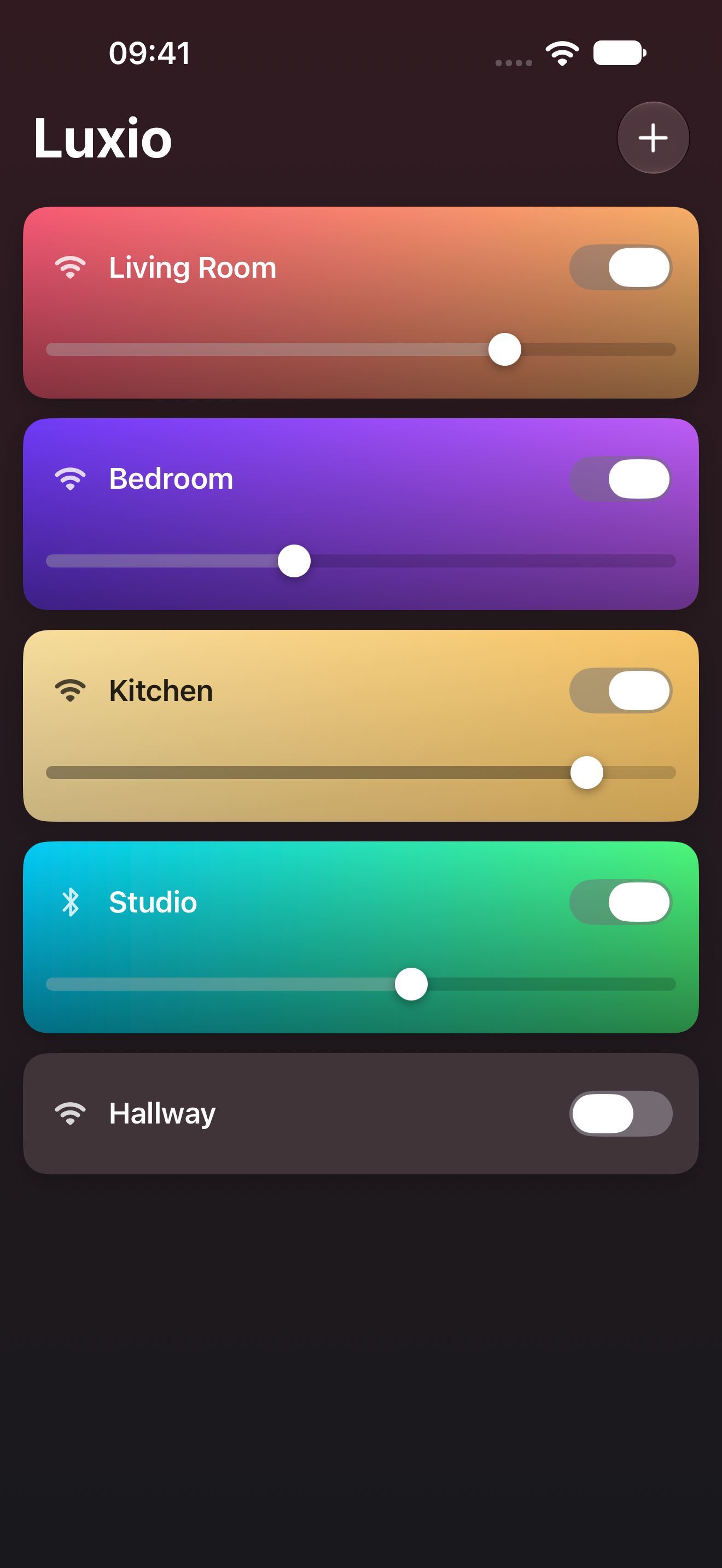
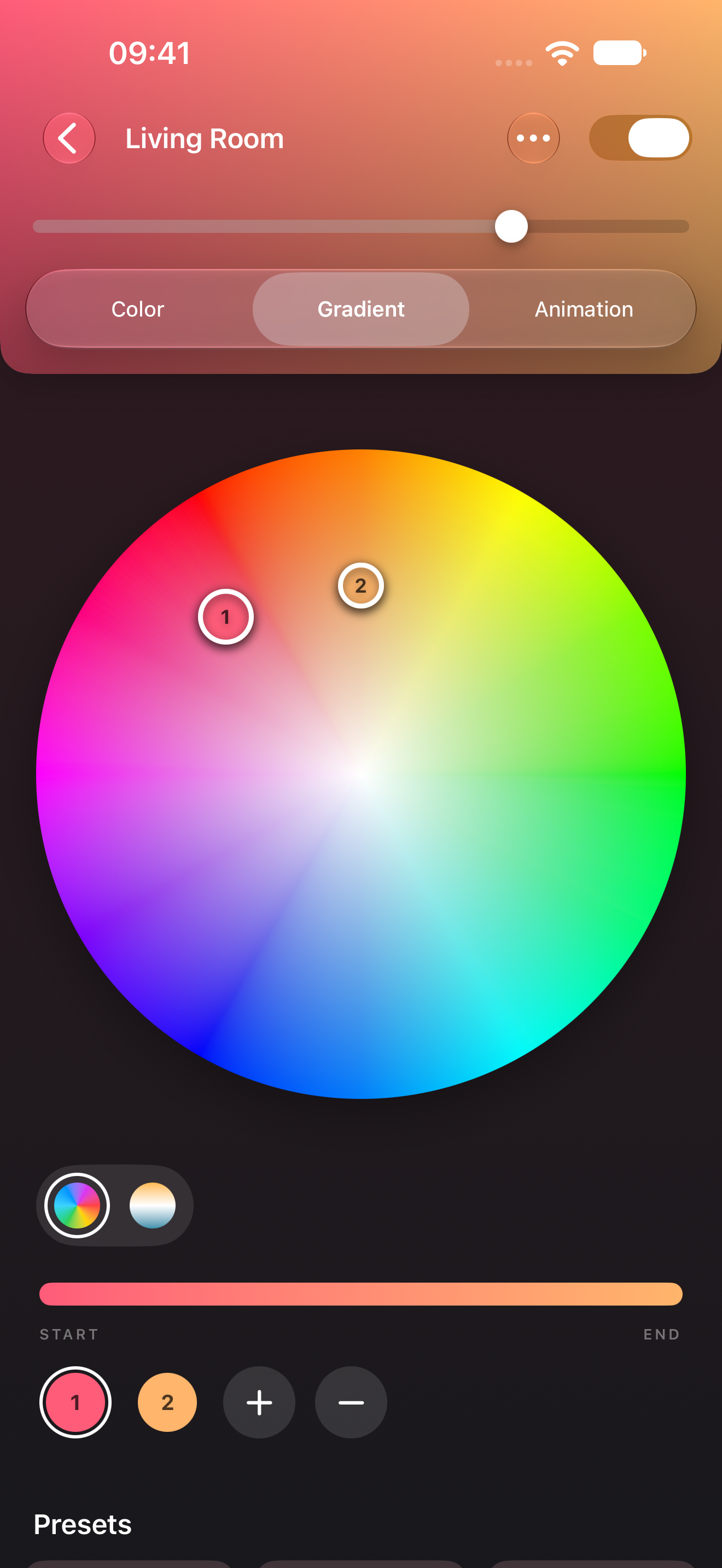
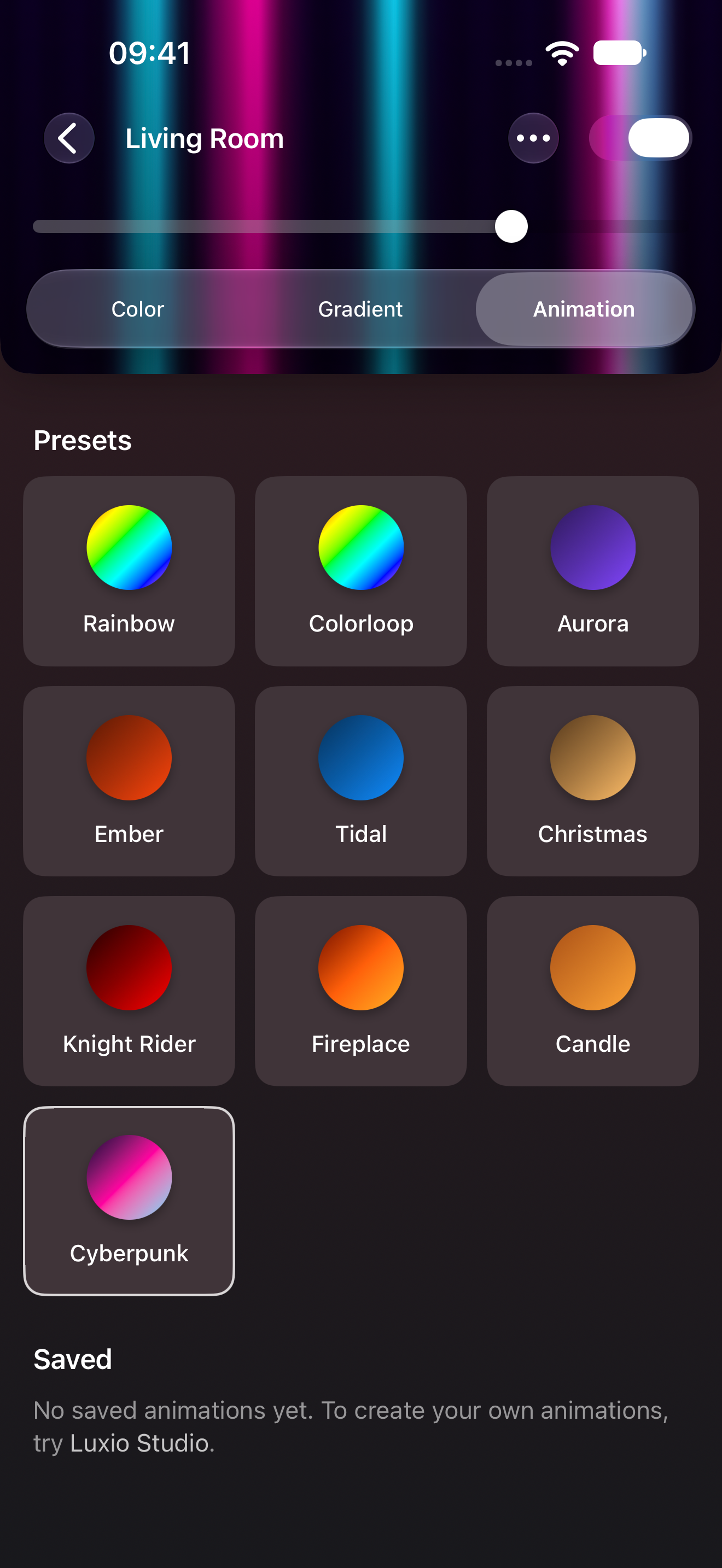
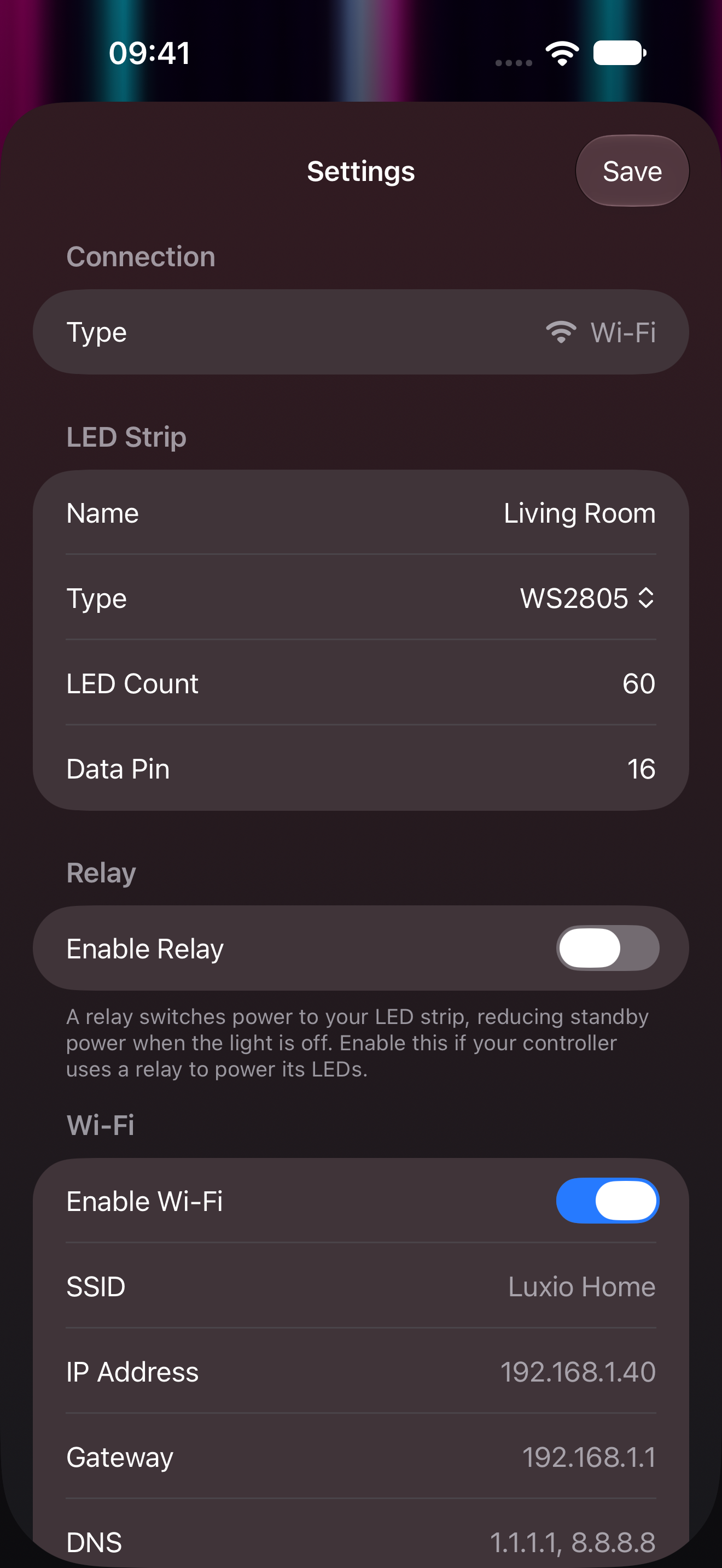
 Web App

Getting Started
Three easy steps to make your own Wi-Fi LED strip.
-
Shop for hardware
Buy an ESP32-based LED controller, a power supply and a LED strip.
- ESP32
- ESP32-S3
- ESP32-S31
- ESP32-C3
- ESP32-C5
- ESP32-C6
-
 Connect the LEDs
Connect your strip and power supply following your controller’s instructions.
- WS2811
- WS2812
- WS2812B
- WS2813
- WS2815
- WS2814
- SK6812
- WS2805
-
Flash & Connect
Open the Luxio Web App, add a new device by tapping and flash via USB.
Connectivity
Connect your way. Set up and control your lights over Wi-Fi, Bluetooth or USB.
Wi-Fi
Control your Luxios on your home network.
Bluetooth
Connect anywhere from iPhone or Android.
USB
Plug in to install, configure and even control.
Lua-nimations
Apply one of the presets, or code your own animation. Try Luxio Studio on the web in a simulator or a real device.
-- A rainbow that moves along your strip.
function loop()
  local count = luxio_get_pixel_count()
  local time = luxio_millis() / 20000

  luxio_fill_hsv(time, 1 / count)
end
Preview unavailable. Try the presets in the web app ↗
Works with your Smart Home
Connect Luxio to your smart home and everyday automations.
 Homey
Homey Home Assistant
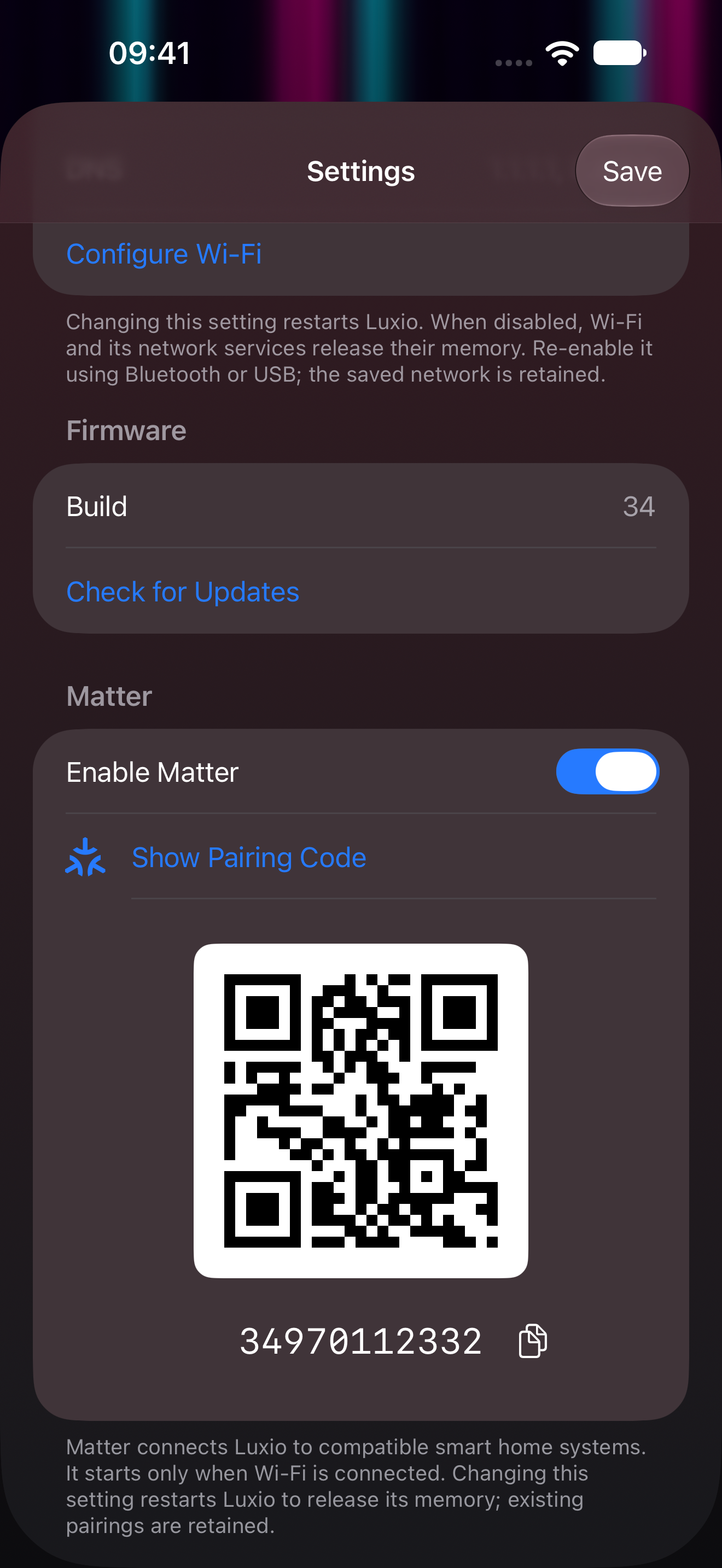
Matter
Connect with Apple Home, Google Home, Alexa and others.
Script with Luxio CLI
Control Luxio from scripts and cronjobs. Discover lights, set colors and play animations from your terminal.
$ npm install -g @luxio-lighting/cli
$ luxio --device "Living Room" on set true
$ luxio --device "Living Room" brightness set 75%
$ luxio --device "Living Room" set-gradient ff0000,00ff00,0000ff